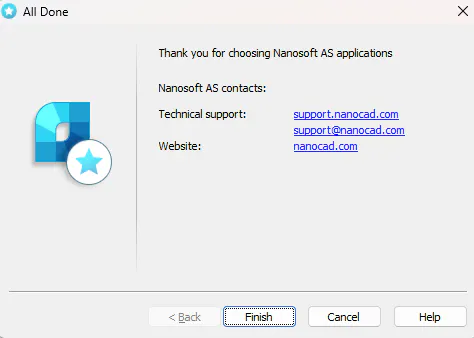
The activation of a Network license consists of two stages. The first is to request the license file and install the License Server, the second is to connect end users to the License Server.
To request the license file and install the License Server :
Please download License Server Setup from our official website - https://nanocad.com/products/nanocad-platform/download/
Run the LicServSetupCSoftAS.exe file
Select "Enter the serial number to get license file" option
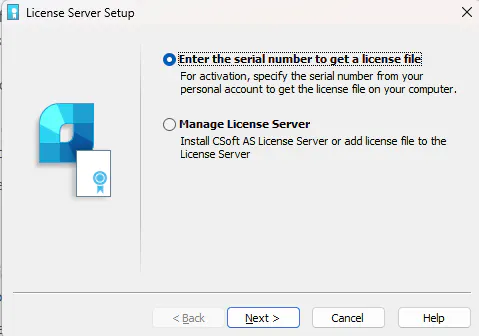
Enter the serial number of your network license and the email address of your account on the website nanocad.com
Select "Request license file online" option.
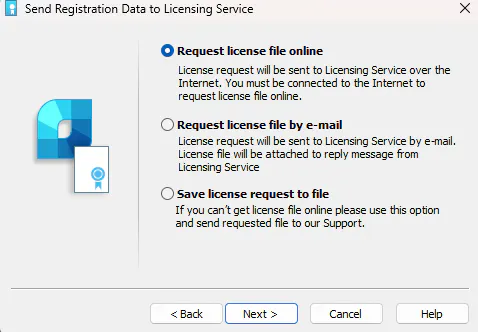
The license file will be received and the installation of the License Server will begin. If you encounter any error at this stage, please contact our technical support - [email protected]
Then, the License Server itself will be installed.
At some point, you will be prompted to manually set the ports on which the License Server will be running. If your local network has enhanced security settings, we highly recommend setting the necessary ports manually, and then making sure that they are open on the local network:
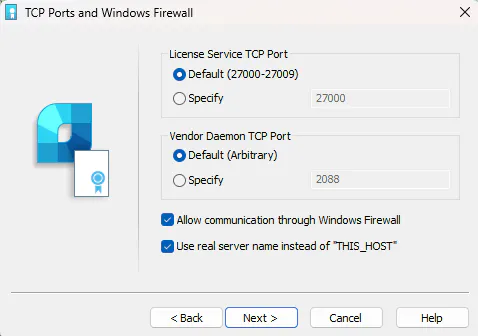
In other cases, just click Next. If everything was successful, a message about it will appear in the installer window.
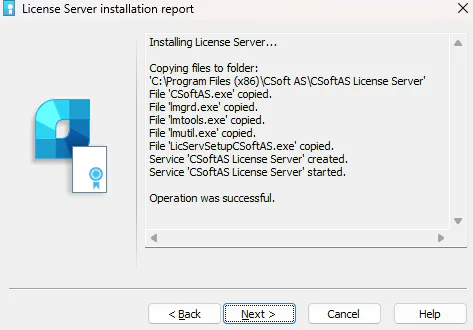
If you encounter any error at this stage, please contact our technical support - [email protected]
Now you need to connect end users to the License Server.
Please run the nanoCAD Registration Wizard, then:
Select "Connect to license server" option
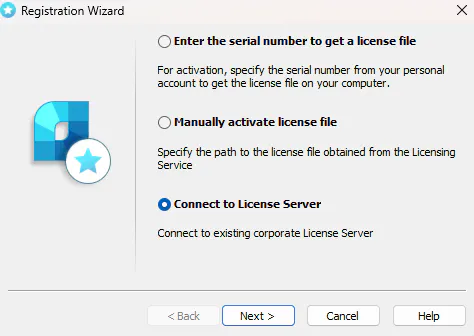
Enter the name or IP address (internal) of the device on which the License Server is installed:
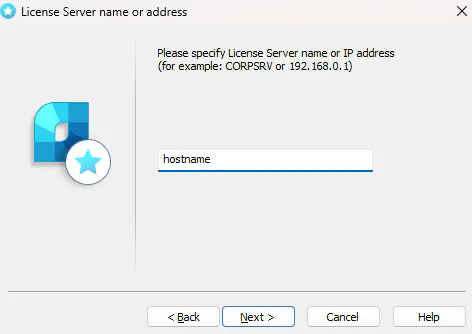
Click "Next", then "Finish"
Activation completed: