Please log in to your personal account on the website https://nanocad.com/personal/, or register if you don't have an account yet.
On the Main information tab, please choose the required product - nanoCAD 25 Platform, nanoCAD 3DScan 24 or nanoCAD 5 free, then specify the required number of seats and click Get serial number.
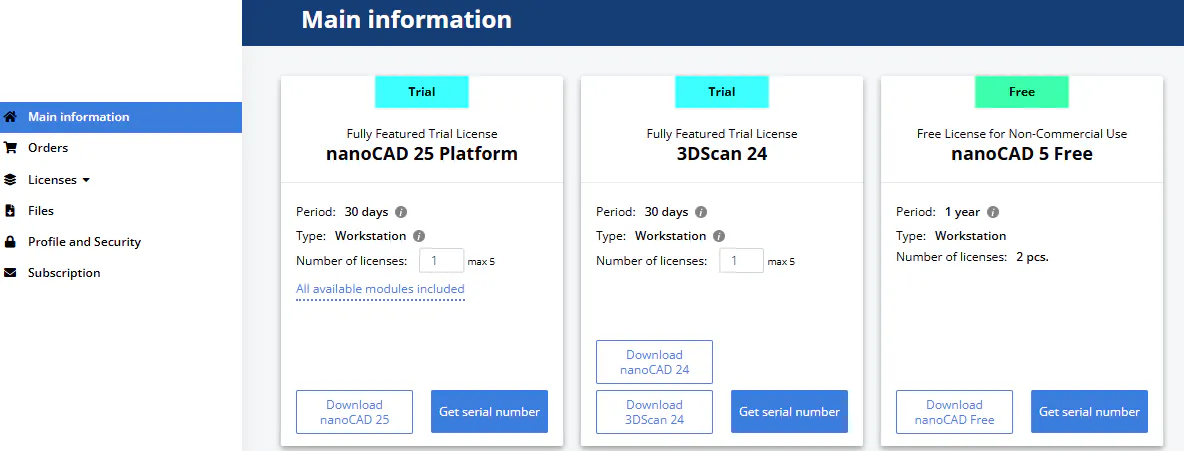
You will be Issued a serial number for the corresponding application.
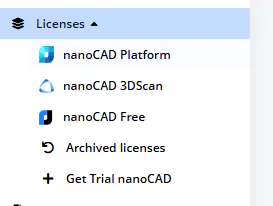
You can find all your license serial numbers in your personal account, on the Licenses tab: